BUILT FOR MEDICINE & LIFE SCIENCES

Your next step
in research.

From a research question to an analysis, a finding, a presentation. Work alongside a research Agent to move your ideas forward.

v8.4.5Windows 10 / 11 · x64

ZEROWALL IN MOTION

See your research come together.

Connect your materials, analysis and next discovery in one workspace.

RESEARCH, WITHOUT WALLS

One research workspace.
Five core capabilities.

One workspace. Every step of your research.

01RESEARCH AGENT

Move your researchone step forward.

Start with questions, papers and data. Work through a research plan with your Agent, follow the analysis and keep the results in one workspace.

  • Turn questions into research steps
  • Connect literature, tools and compute
  • Keep files, runs and results together

Start with a question. Keep going with evidence.

Explore the research workbench

ZeroWall · Research AgentWorkflow illustration

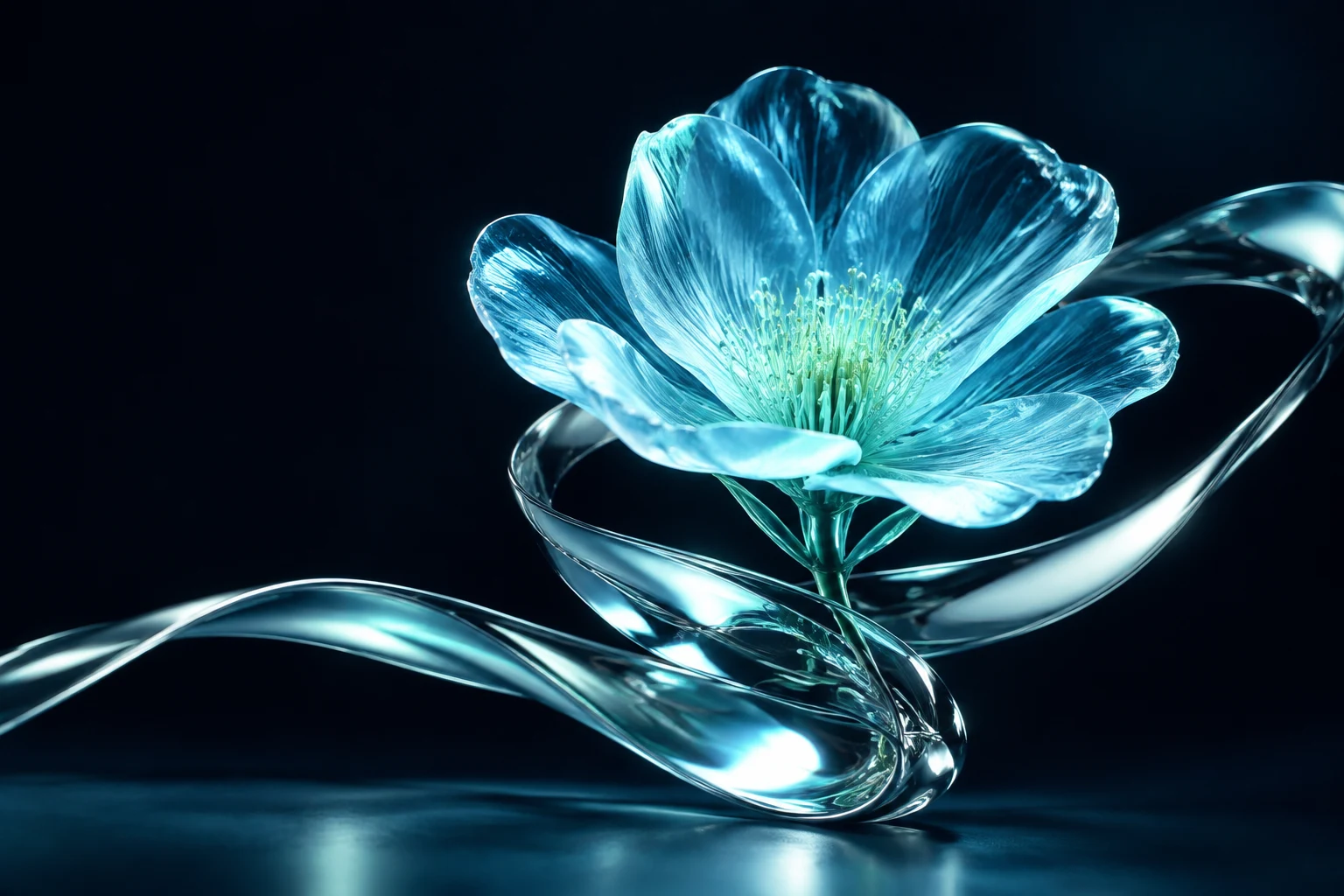
Glass orbital sculpture and biological specimen, a research illustration
YOUR RESEARCH, CONNECTEDA question. A way forward.
Q

Organise the materials and build an analysis plan for this question.

✳
Make the next steps clear
  1. 01Organise papers and data
  2. 02Plan analyses and connect tools
  3. 03Inspect results and deliver files
analysis.Rfigures/report.md
Actual product interface · 8.4.0
02VIRTUAL KNOCKOUT

One target gene.A connected research path.

Connect public data, quality control, virtual knockout and interpretation for non-tumour single-cell research. Bring the work together in figures and a research report.

  • Target genes, tissues and cell types
  • Data discovery, QC and remote compute
  • Interpretation, figures and validation plans

Computational predictions support testable research hypotheses.

Explore the knockout workflow
Compute and data requirements

This workflow requires a configured remote R service. Raw counts, target-gene coverage and sample information are checked before analysis. See the official documentation for setup.

ZeroWall · Virtual knockoutWorkflow illustration
IN SILICO / SINGLE CELL

Non-tumour single-cell research

TARGET GENEGENEscTenifoldKnk
Baseline network
Perturbed network
01Question02Find data03QC & strata04Knockout05Interpret06Report & validate

Illustrative network structure

03MEDICAL RESEARCH

Connect mechanisms,data and medical research.

Bring omics and clinical research closer together. Organise public expression data, survey analysis and research imaging around your question.

  • GEO and single-cell research
  • NHANES variables and weighted analysis
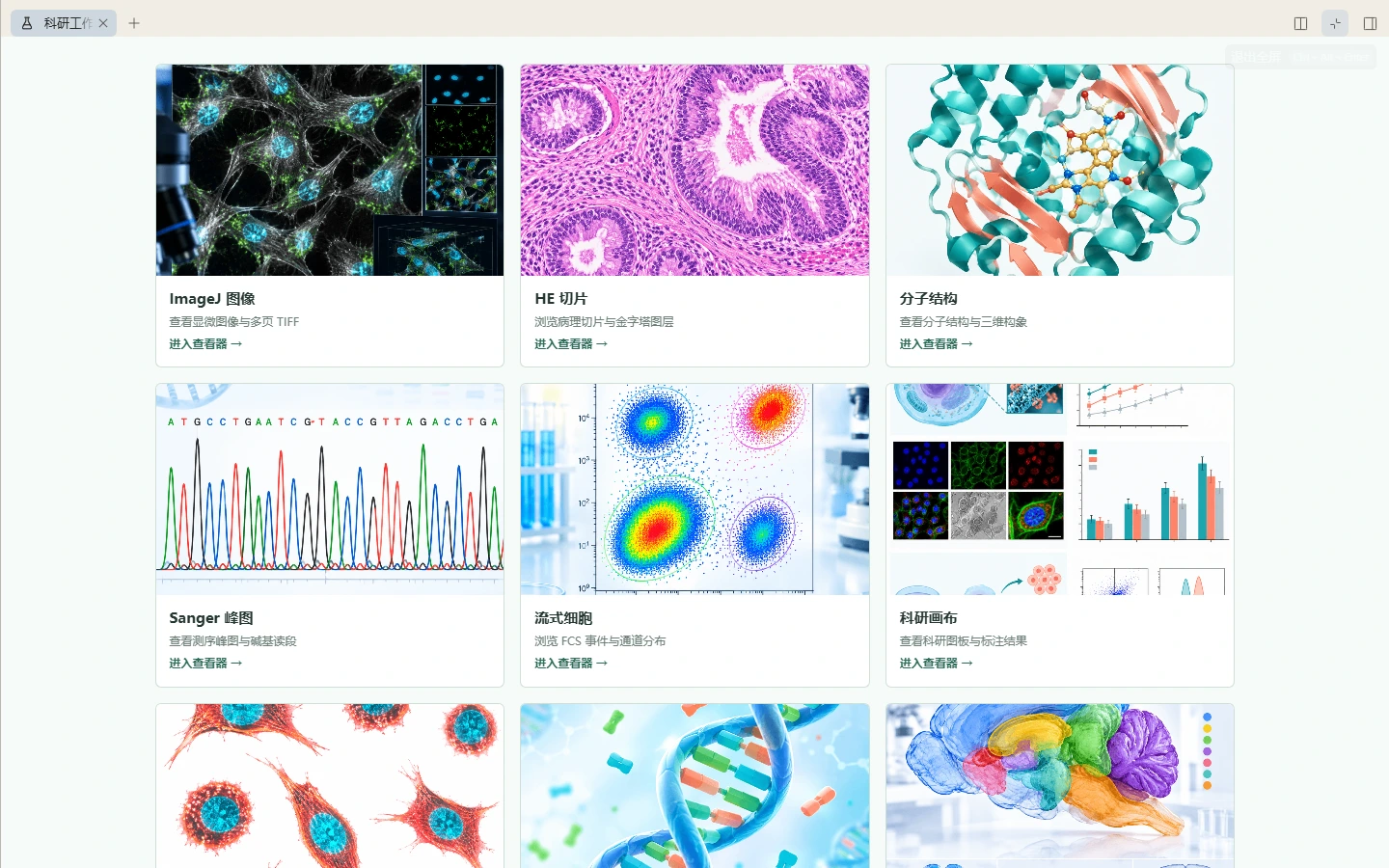
  • H&E, microscopy and molecular viewing

Organise data, methods and evidence for medical research.

Explore medical research tools
ZeroWall · Medical researchWorkflow illustration
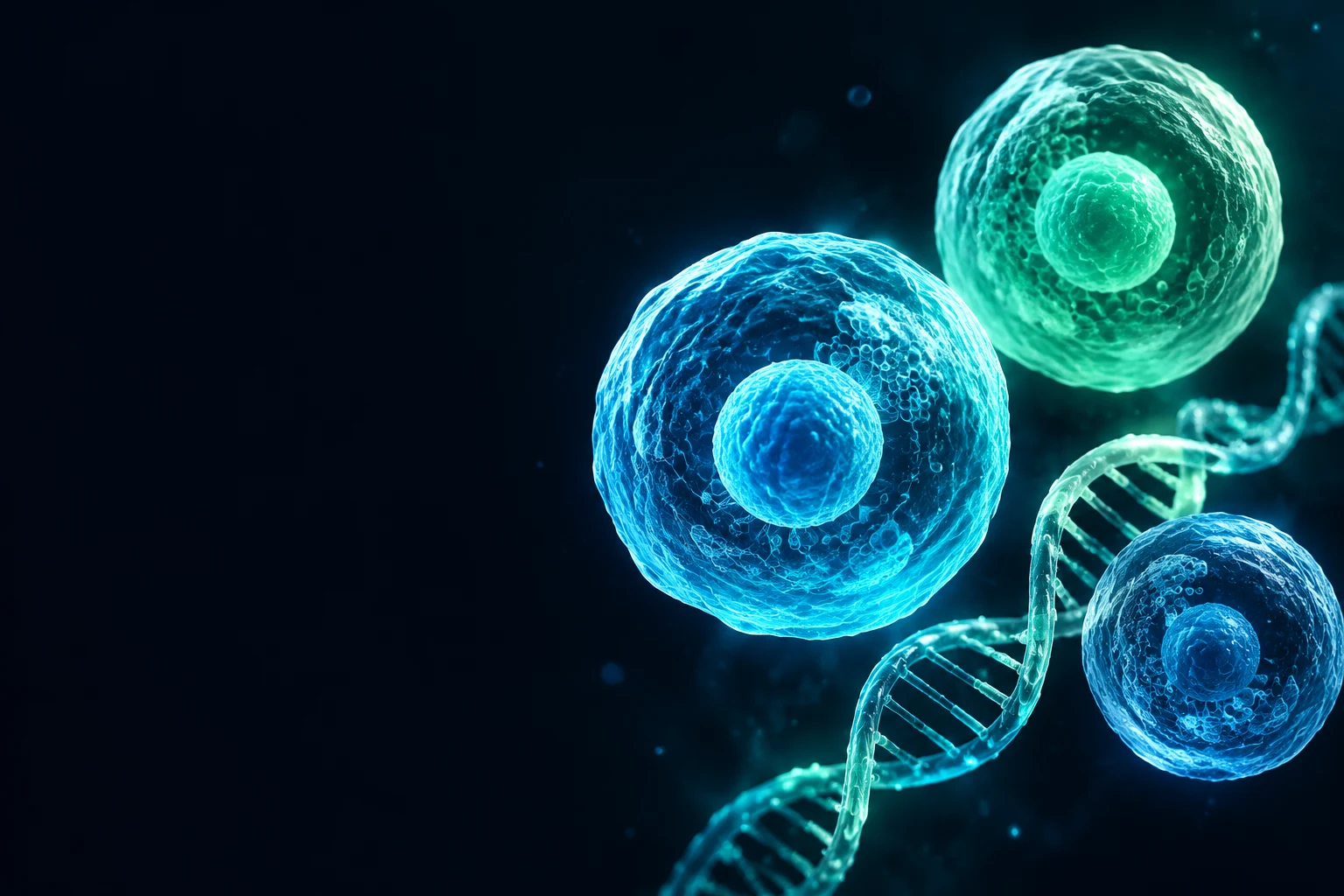
Medical research conceptual illustration
01 / Omics

Start with public expression data

GEO · Single cells · Differential expression

AI illustration
GEO / SINGLE CELLDatasets & cell groups
  • Raw counts
  • QC & groups
  • DE & pathways
01Find data
02QC & groups
03Analyse
Medical research conceptual illustration
02 / Clinical & public health

Organise survey research

NHANES · Variables · Survey design · Weights

AI illustration
NHANES / SURVEYVariables & survey design
  • Exposure & outcome
  • Covariates
  • Strata / clusters / weights
01Variables
02Study design
03Weighted analysis
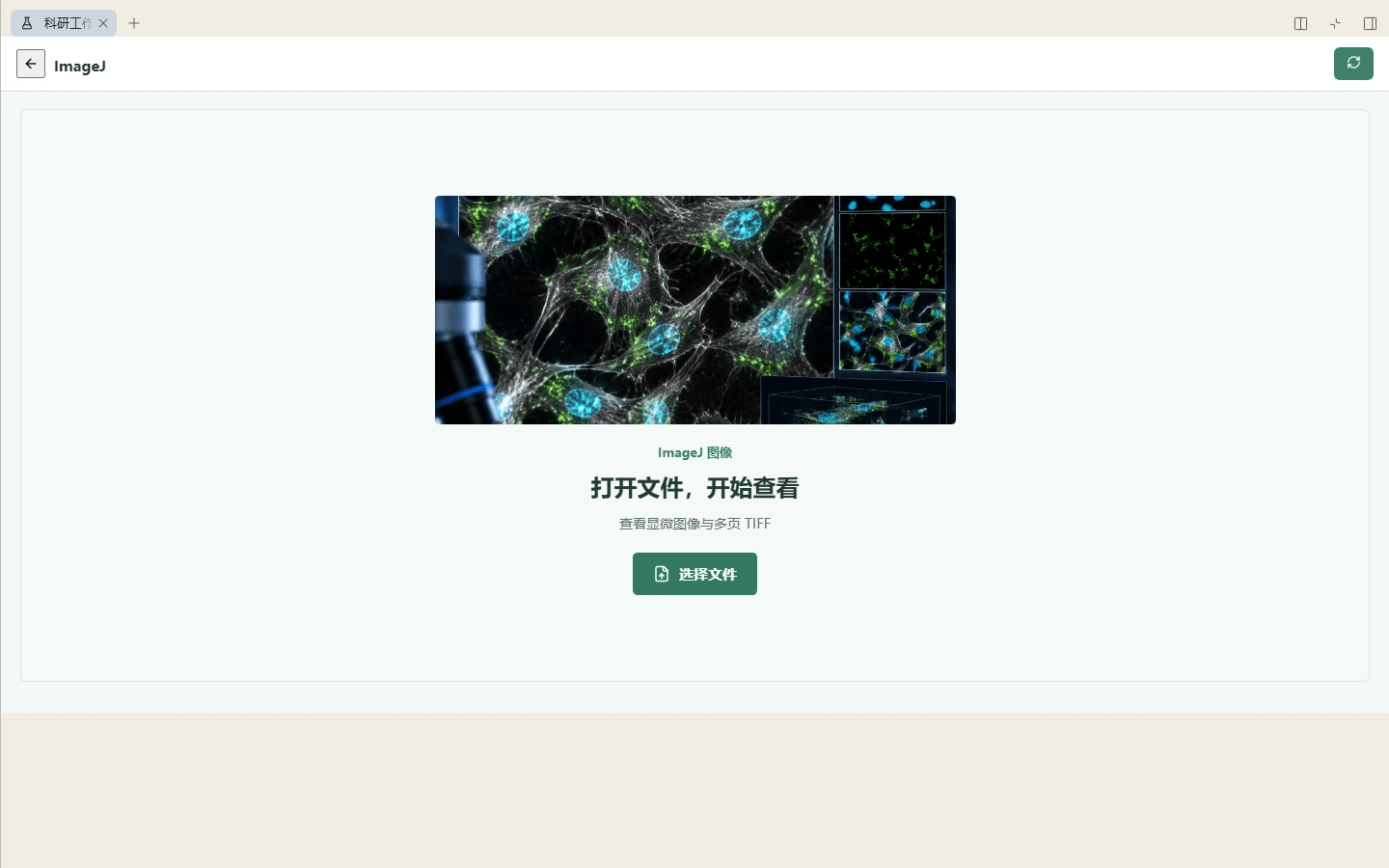
Actual ImageJ file selection interface, before loading data
03 / Research imaging

Explore the details in your materials

H&E · Microscopy · Cells & molecules

Actual UI · File selection
01Import
02View & locate
03Analyse & record

04PAPER REPRODUCTION

Bring published methodsinto your workspace.

Connect papers, supplements, data and code. Organise methods, prepare the environment, run analyses and inspect differences from published results.

  • Map methods to required materials
  • Keep environments, parameters and runs
  • Compare results and record differences

Assistance for paper reproduction and result verification.

Explore reproduction and evidence
ZeroWall · ReproductionWorkflow illustration
PAPER → WORKSPACE research-paper.pdf
01

Papers & materials

  • Paper & supplements
  • Methods & data notes
  • Required materials
02

Analysis & execution

  • Analysis scripts
  • Environment & parameters
  • Run records
03

Results & verification

  • Figures
  • Published result comparison
  • Reproduction report
Missing materials and environment differences stay in the record
01Read methods02Prepare03Execute04Compare

05EDITABLE PRESENTATIONS

Turn your researchinto editable PPTX.

Build a clear narrative and layout from your research materials. Choose editable output to keep text, shapes, tables, charts and images as independent objects.

  • Organise research into content and layouts
  • Choose editable output with separate objects
  • Export PPTX and continue refining

Give your research a presentation it deserves.

Explore presentation generation
ZeroWall · Editable PPTXWorkflow illustration
.PPTX
ZEROWALL / RESEARCH

Medical research

Organise data, methods and evidence around a research question.

AI illustration
01 / 03
ZEROWALL / RESEARCH

Research question & analysis

01Public data
02Quality control
03Analysis & checks
02 / 03
ZEROWALL / RESEARCH

Results and research limitations

A
B
C
D
ItemStatus
FiguresEditable
TablesEditable
Illustrative data 03 / 03
Independent textNative shapesTables / chartsSeparate images

Website demo · Editable objects

BUILT AROUND YOUR RESEARCH

A question. A complete body of work.

Keep your research moving in one workspace, connecting materials, analysis and communication.

01

Ask a question

Start with papers, data and research intent

02

Design & analyse

Organise methods, tools and compute

03

Check evidence

Return to inputs, parameters and runs

04

Share your work

Deliver figures, reports and editable PPTX

Actual product interface · 8.4.0
New capture of the ZeroWall Science 8.4.0 research workspace

MAKE YOUR RESEARCH SEEN

Good research deserves clear expression.

Make ideas easier to understand and share with images, video and music.

Scientific illustrations, covers and creative visualsAI illustration
01 / IMAGE STUDIO

Image generation & editing

Scientific illustrations, covers and creative visuals

AI illustration · 01SHOT 01
AI illustration · 02SHOT 02
AI illustration · 03SHOT 03
01 / References02 / Shots & captions03 / Audio & output
Workflow illustration
02 / MOTION & SOUND

Video & music creation

Connect reference materials, shots, captions and audio

Create in conversation. View and manage your work in the workspace.

YOUR NEXT DISCOVERY STARTS HERE

Your next step.Start today.

Bring ZeroWall Science to your desktop.

v8.4.5Windows 10 / 11 · x64288.1 MB

Read the documentation

ZEROWALL COMMUNITY

Research is bettertogether.

Join our WeChat user group to ask questions, share research workflows and help shape ZeroWall Science.

  • Getting help
  • Research workflows
  • Product feedback

On desktop, scan with WeChat. On mobile, save the original image and open it in WeChat to recognise the QR code.

ZeroWallScienceGroup 3
WeChat QR code for ZeroWallScience user group 3, valid before 28 October 2026
Scan with WeChat to joinQR code valid before